01 / Import
Start with a video or image sequence. Arrange the frames and check the motion in the preview.
 by Pollyne Studios

Less time on the process. More time on creating.
Start with a video or image sequence. Arrange the frames and check the motion in the preview.
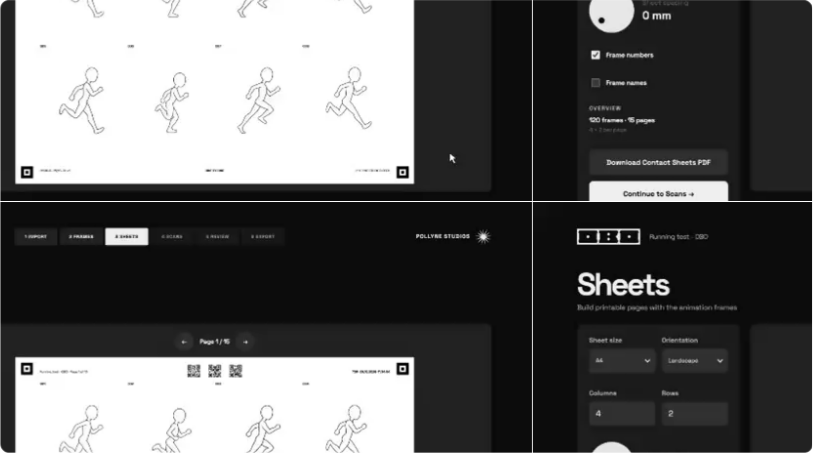
OBO arranges your frames on printable sheets. Export the PDF and print it.
You can draw, paint, collage, and do much more. Work on each frame by hand and make the sequence your own.
Scan your edited sheets. Adjust the alignment, check your frames and export the animation.
ONE BY ONE is an independent project by Pollyne Studios.
Your support helps fund its running costs and future development.
Create a new project and give your animation a home.
Start with a video or image sequence.
Arrange your frames and check the motion in the preview.
Set up your paper and frame layout. Check the preview before exporting the PDF. Preserve all references when printing and avoid cutting out markers and codes.
Work on each frame by hand and make the sequence your own.
Scan your edited sheets and bring them back into OBO.
Adjust the alignment and check your frames.
Export your finished animation.
No subscriptions or hidden costs.
Install and start creating right away.
All files stay on your device.
Desktop / Apple
Apple Silicon only • MacOS 12.0 or later
 Download for MacOS
Checking latest release…
Desktop / Windows
64-bit (x64) • Windows 10 / Windows 11
 Download for Windows
Checking latest release…